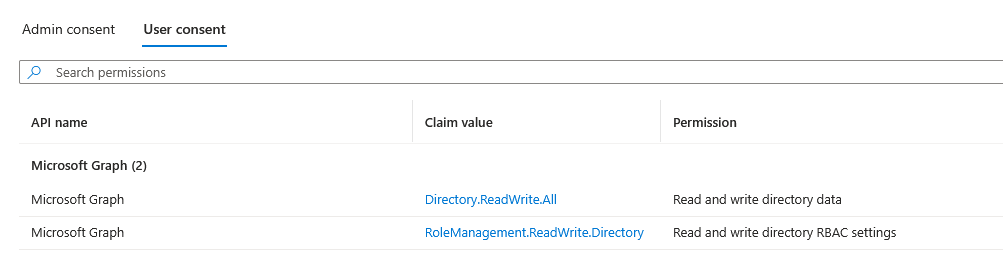
To enable "Read Only" access for Microsoft 365, Exchange Online requires specific Entra ID roles that cannot be granted through a standard app consent screen.
To keep onboarding seamless, we use a temporary app called "[ATTIC] M365 RW". This app requests delegated permissions, allowing us to assign the necessary roles on your behalf during setup.
Will Attic have write permissions forever? No. Because these are delegated permissions (linked to the specific user who signs in), we cannot perform actions indefinitely. Once the initial setup is complete, we delete the access tokens. We cannot re-access your environment unless the original admin manually clicks the onboarding link again.
How can I verify this? You can audit these permissions at any time:
-
Go to Entra ID > Enterprise applications.
-
Search for the "[ATTIC] M365 RW" app.
-
Navigate to Security > Permissions to view the active delegated permissions.
- Select the User Consent tab