
Instructions
Follow the steps below to modify config settings:
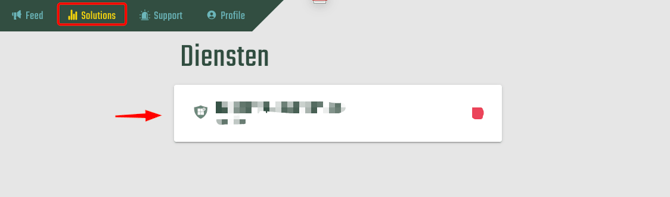
- Go to Solutions
-
Select the relevant Solution
-
Open Settings

-
Choose the desired Config
Locate the config you want to modify and click to open it
-
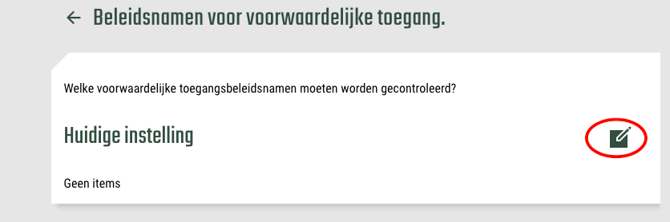
Make the necessary changes to the setting
-
Save the changes
Click Save to confirm your update
Note
-
Only users with the correct permissions can edit config settings.
-
After saving, verify that the change has been successfully applied.