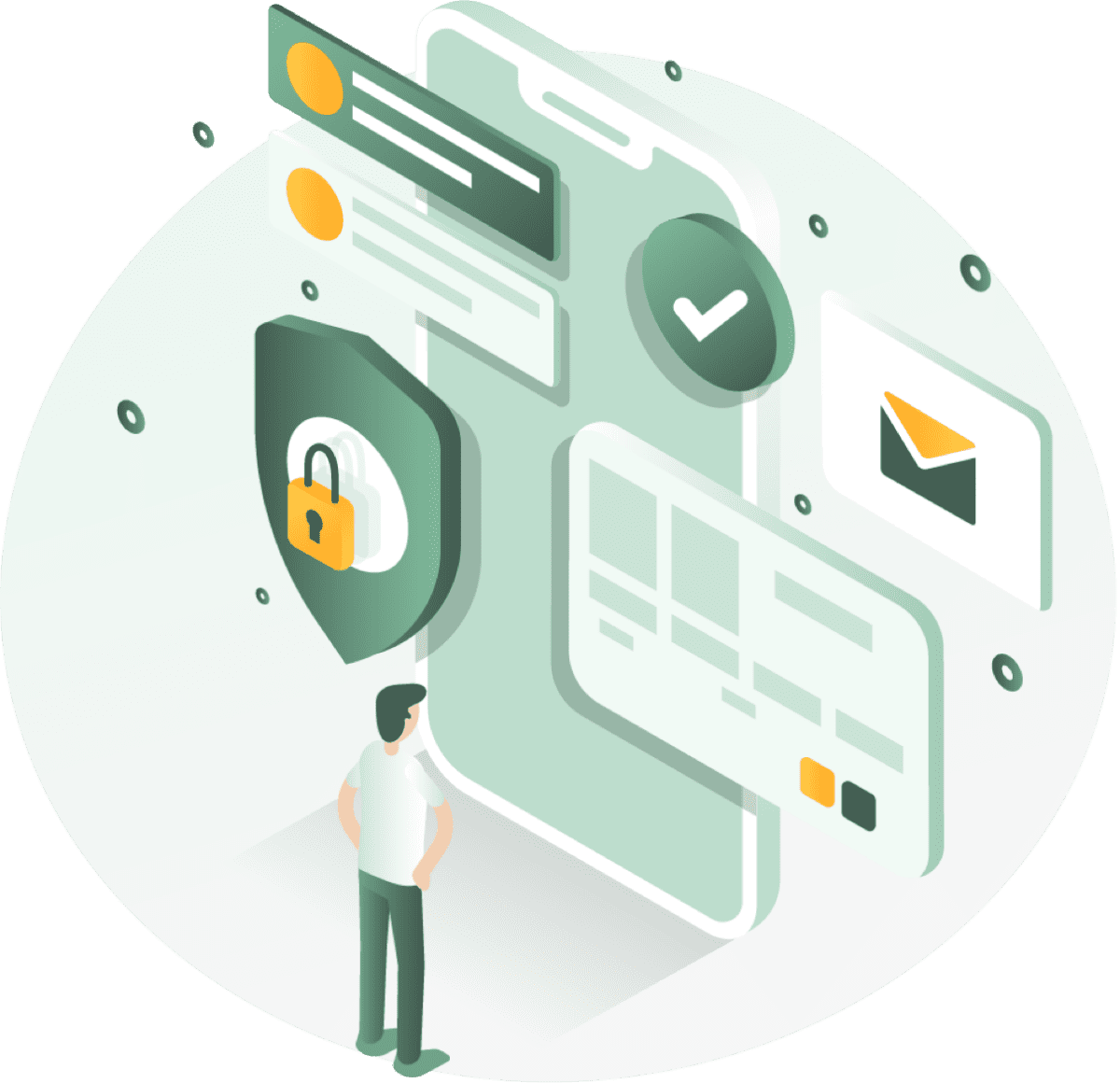
Cybercriminals strike in two ways to log into your Microsoft 365 account. First, through fake login pages that are indistinguishable from the real thing. Do you log in to these? Then they intercept all your data including two-step verification. Second, by just keeping trying: they test stolen passwords from previous data breaches, popular combinations or systematically continue until they get in.
Once cybercriminals are logged in, they can do massive financial and reputational damage at lightning speed.
🚨 Customers get fake invoices "from you"
🚨 Your system is held hostage with ransomware
🚨 Your customer database disappears to the highest bidder
🚨 Your good name is in tatters
Fortunately, this doesn't have to happen if your login security is in order.
Attic BOUNCER recognizes fake login pages and immediately sounds the alarm if you land on such a phishing page. You then see a big red alarm screen, so you know to get lost.
In addition, with BOUNCER you are also protected against hacker login attempts because we automatically monitor who is logging in, how often and from what location. Do we see irregularities in this? Then we report it immediately, so that you can block the account in question yourself.
What security is in Attic BOUNCER?
Protect your team from phishing and attackers trying to get into your Microsoft 365 environment.
Protection against phishing
✅ Real-time detection of fake Microsoft 365 login pages
✅ Red alert screen warning of fake pages
✅ Authenticity seal on official Microsoft 365 login pages
✅ Email to administrator when a colleague visits a fake page
✅ Insight into which colleague has visited a fake login page
Protection against login attempts from hackers
Monitoring of all Microsoft 365 login activity ✅ Monitoring of all Microsoft 365 login activity
✅ Detection of suspicious login attempts (who, where, how often)
✅ E-mail to administrator in case of suspicious login activity
Online security awareness training
✅ Focused on recognizing risks
Attic Bouncer
Protect yourself from cybercrime in 3 steps
Enter your business email address.
The administrator in your organization must accept the request once.
Within 5 minutes you are protected from fake login pages.
Ralph Wagter
Municipality of Bodegraven-Reeuwijk
Tijn Kahmann
Fortress Accountants
Godfried Boshuizen
MourikAttic BOUNCER protects you from these common cyber attacks by blocking the access paths criminals use:
Phishing & fake login pages
We detect fake Microsoft 365 login pages and immediately alert you with a red alert screen to prevent your login credentials from being stolen.
CEO fraud & payment fraud.
By monitoring suspicious login attempts, we detect hacked accounts that can be used for fraudulent payment requests. You get instant alerts when someone logs in from a known hacker site.
Ransomware
We detect and block many of the access paths attackers use to install ransomware.
For automatic security checks or full 24/7 monitoring, upgrade to Attic FIXER or Attic MDR.
AiTM stands for "Adversary-in-the-Middle. This is an advanced form of phishing in which the cybercriminal places himself between you and a real website, acting as a kind of digital intermediary listening in. When you log into Microsoft's fake login page, the attacker intercepts not only your password and multi-factor authentication code (MFA), but also your session cookies. This allows the criminal to log into your real account directly, without needing your password or MFA again. Therefore, even two-step authentication does not work against this attack.
Yes, Attic Security requires read permissions and very limited write permissions in your Microsoft 365 environment. This allows us to warn you about fake login pages, monitor login activity and identify suspicious patterns. It does not allow us to modify anything.
Attic Security is registered as an approved Cloud Solution Provider (CSP) with Microsoft. We do not look at the content of your emails or documents. We only monitor login behavior. More details can be found in our privacy statement.
Attic Security needs read access to your Microsoft 365 to secure it. You arrange this within a few minutes.
Step 1: Choose the package on this site
Step 2: Open the activation link in your email
Step 3: The admin in your organization accepts that Attic Security gets read permissions in your Microsoft 365 environment. This allows us to fully automatically screen your account for fraudulent login behavior and warn of fake login pages.
Usually this is the person who:
Check with:
Check your own permissions:
The team behind Attic has years of experience as ethical hackers and cybersecurity experts. We have high-end certifications in the field of offensive security, because we believe you have to be able to attack systems to know how and where to defend it. In this area, we have been among the top Dutch companies for years. Attic Security also regularly advises government agencies on tactical and strategic cybersecurity issues, including the security surrounding the NATO summit.
" Learn more about us
Yes, the BOUNCER package works with all Microsoft 365 business subscriptions.
You can reach us via the chat function on the website, by e-mail (support@atticsecurity.com) or via the Attic app. You can communicate with us in Dutch, because we are a very Dutch company.
Working on cybersecurity since 2001. Hackers are becoming a cornerstone of this digital society to stay in control of our online future.
Working in cybersecurity since 2005. Helps build a safer online world by seeing where it can be broken and how it can be better.
Working in cybersecurity since 2005. Proactively looking for vulnerabilities in digital systems to make the digital world a little safer.
Builds, programs and enhances Attic. Full-time nerd who has been breaking systems open since childhood and nowadays putting them together.
Attic's unique do-it-yourself cybersecurity lets you take control of your company's online security in one click. Operate more securely online with Attic.
Attic BV
Molenstraat 36
4761 CL Zevenbergen
The Netherlands
Tel. +31 (0) 168 799 850